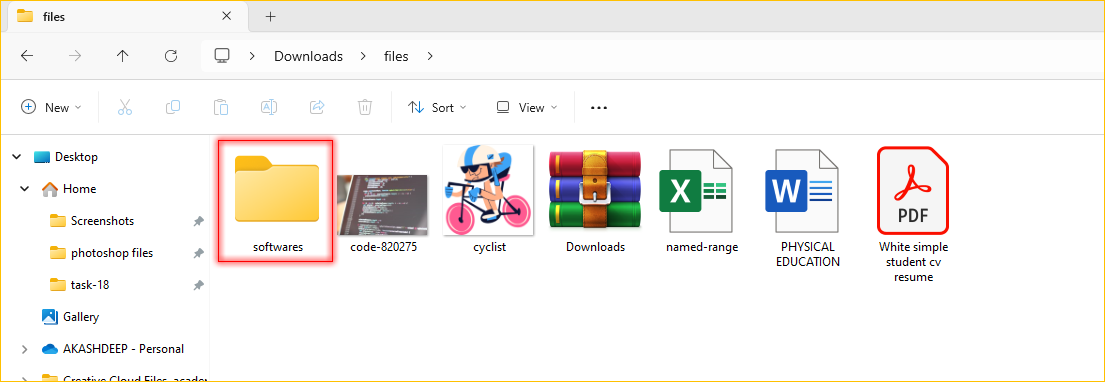
Create a New Folder
Method 1: Using the Right-Click Menu
1. Open any folder of your choice.
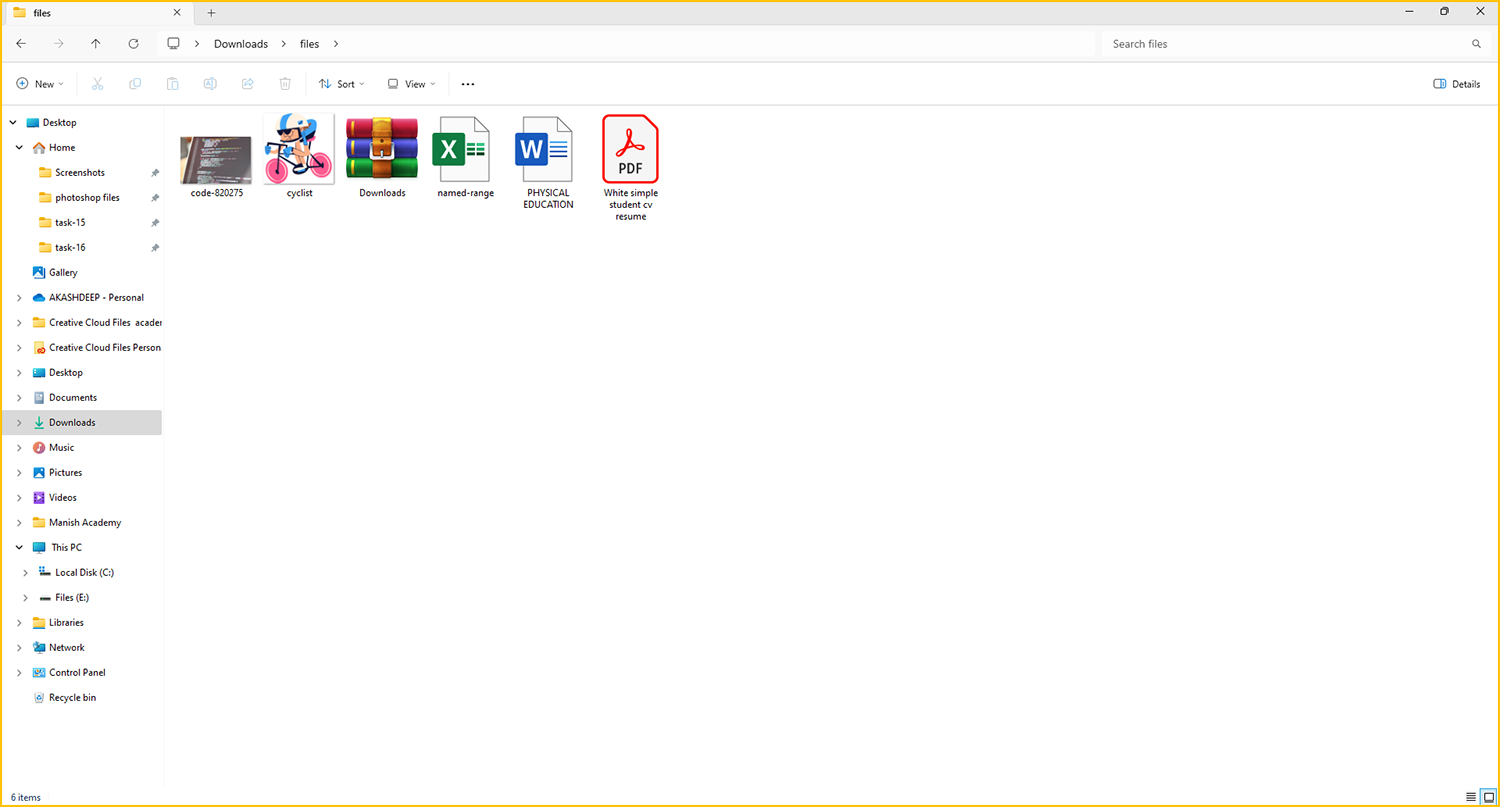
2. Right-click on an empty space in the folder and select New>Folder.
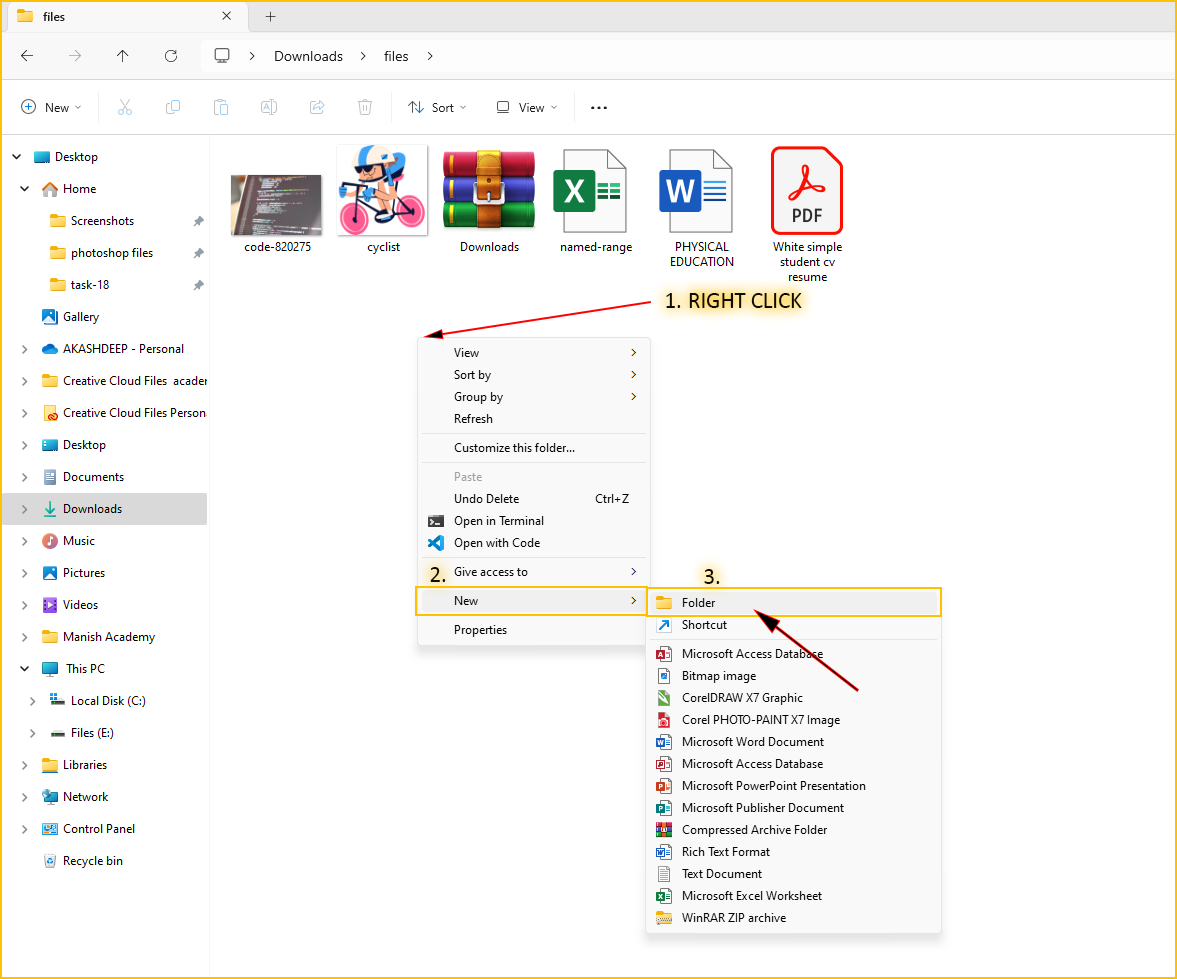
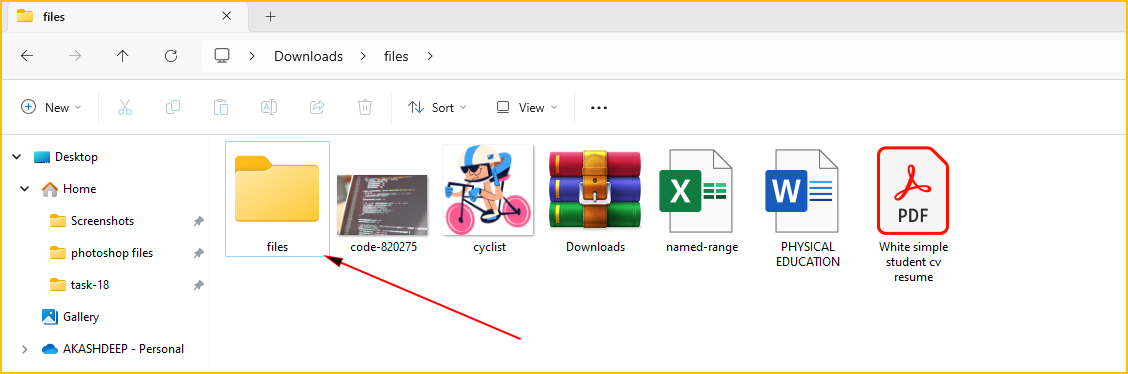
3. A new folder will appear.
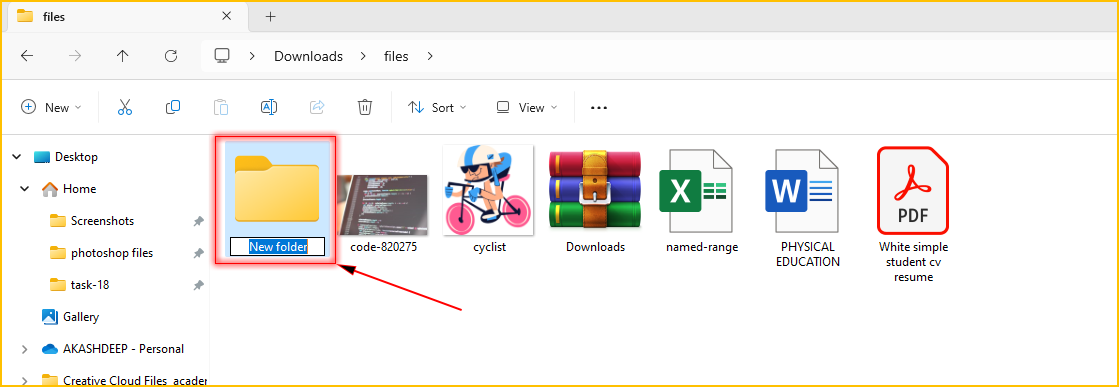
4. Give the folder a new name and hit enter.
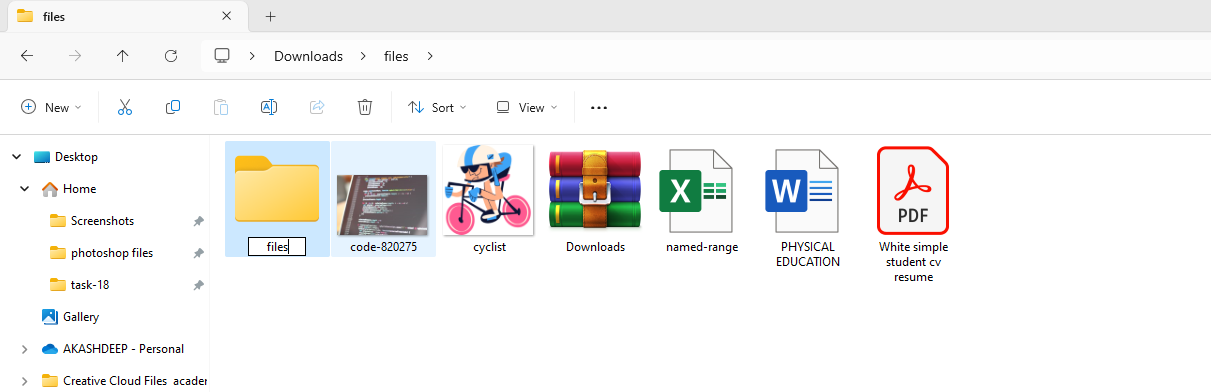
5. Congratulations, your folder has been created successfully.
Method 2: Using the Keyboard Shortcut
1. Open any folder of your choice.
2. Press Ctrl + Shift + N. A new folder will be created instantly..
4. Give the file a new name and hit enter.
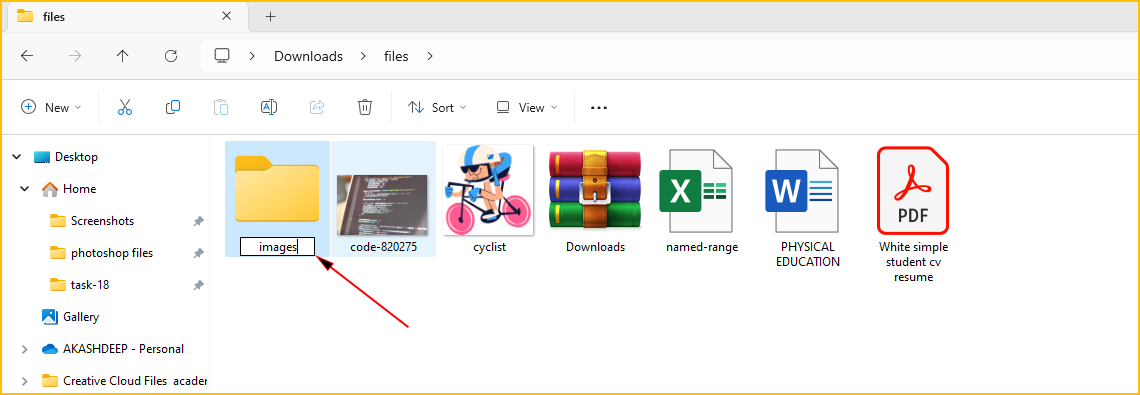
5. Congratulations, your folder has been created successfully.
Method 3: Using the File Explorer Ribbon
1. Open any folder of your choice.
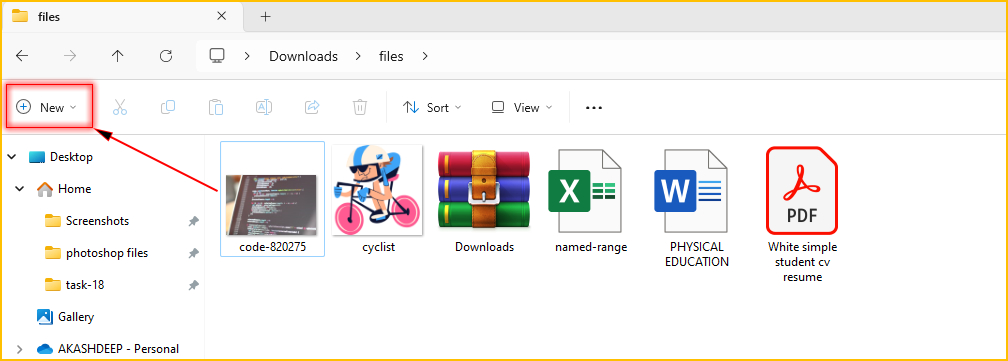
2. Click on New Menu.
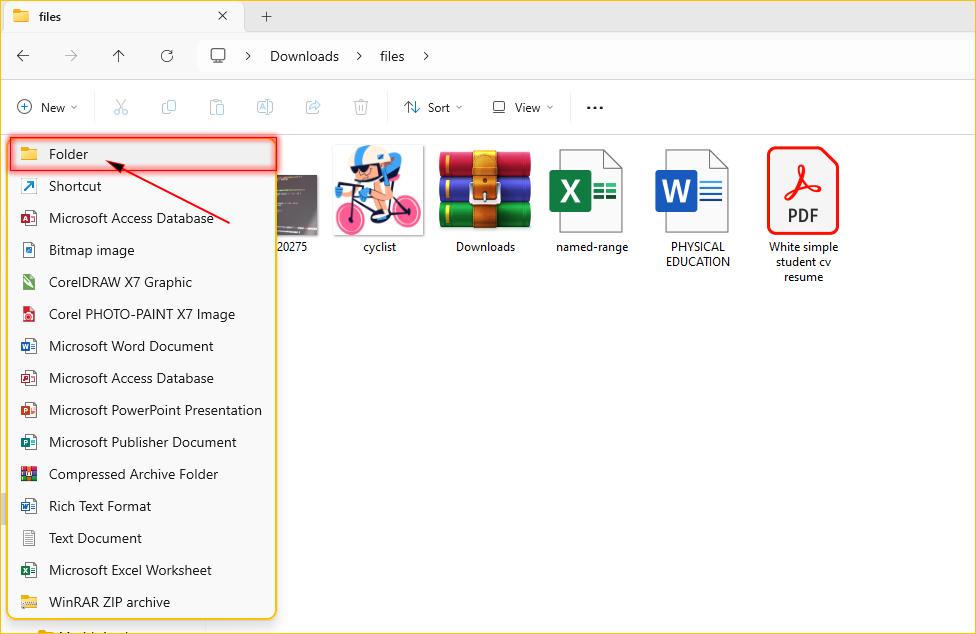
3. Select folder.
4. A new folder will appear.
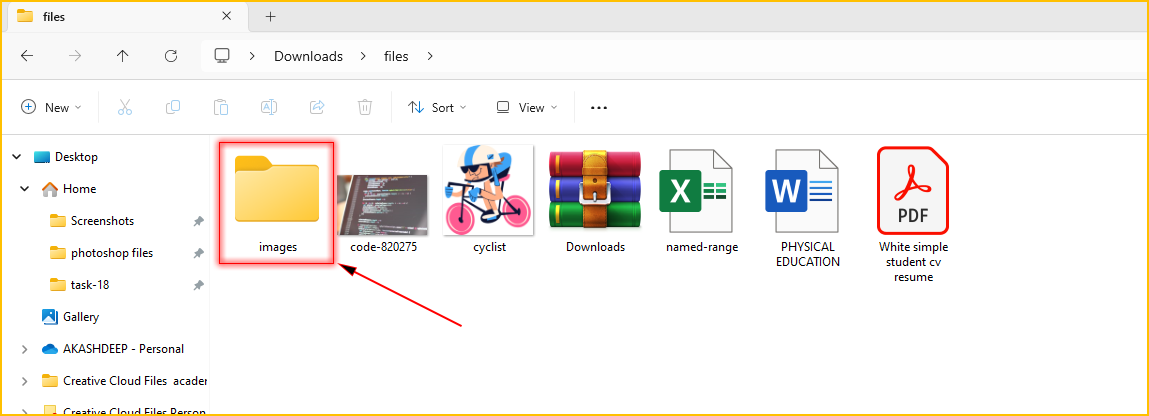
5. Give the file a new name and hit enter.
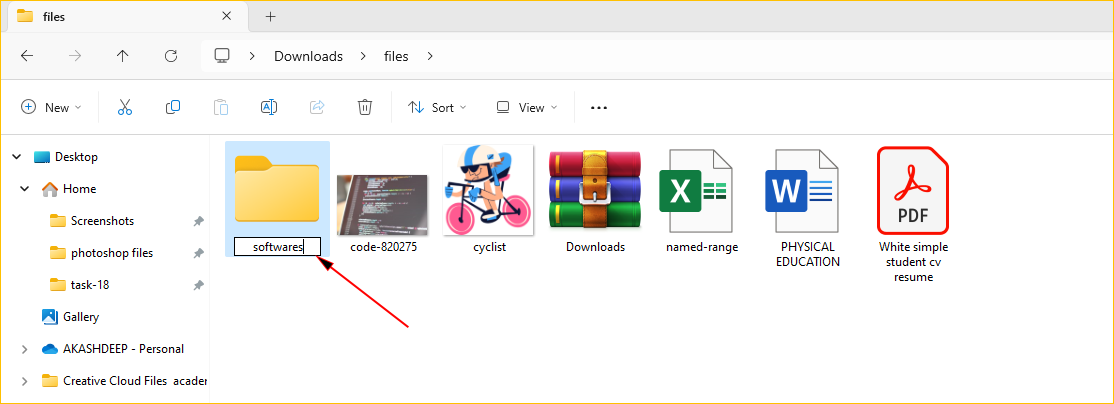
5. Congratulations, your folder has been created successfully.